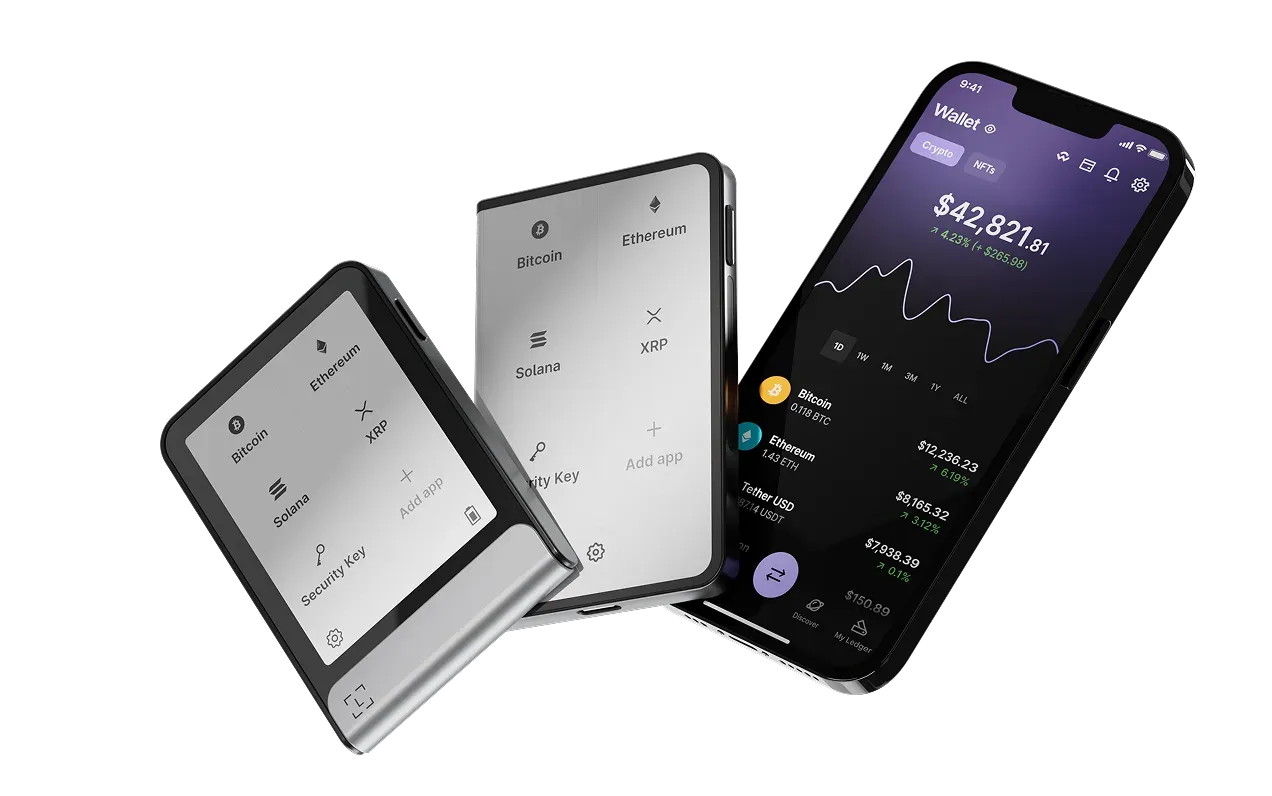
Ledger.com/start – Complete Guide to Setting Up Your Ledger Wallet
Getting started with cryptocurrency security begins with choosing reliable tools and understanding how to use them. Ledger.com/start is the official starting point for setting up a compatible Ledger hardware wallet. Whether you are a new user or exploring hardware wallet features, following the correct setup instructions can help you manage your digital assets more confidently.
What Is Ledger.com/start?
Ledger.com/start provides access to Ledger's device setup instructions and software resources. It helps users understand how to connect a hardware wallet, configure security settings, and begin managing supported cryptocurrencies.
Before starting, prepare your Ledger device, a compatible computer or smartphone, and a secure place to store your recovery information.
Important Information
Always check the website address before downloading software. Use Ledger's official website and verified support resources. Avoid unknown download links and unofficial setup instructions.
How to Set Up Your Ledger Wallet
Follow these essential steps to prepare your device:
1. Connect Your Ledger Device
Connect your Ledger hardware wallet to a compatible computer or smartphone using the supported connection method. Turn on the device and follow the instructions displayed on its screen. Make sure you select the correct device model during configuration.
2. Install the Official Ledger Software
Visit Ledger.com/start to access the appropriate software and setup guidance. Install the official Ledger Wallet application (formerly Ledger Live) using a verified download source. Open the application and follow the instructions to begin.
3. Create a Secure PIN Code
Your Ledger device will ask you to create a PIN, generally between 4 and 8 digits. Choose a combination that is difficult to guess and easy for you to remember. Confirm the PIN directly on your device.
4. Back Up Your Recovery Phrase
During new-wallet setup, your Ledger device generates a 24-word Secret Recovery Phrase. Carefully write down every word in the correct order and store it somewhere private and secure.
Security Reminder
Never share your recovery phrase with anyone. Do not photograph it, upload it to cloud storage, or enter it into websites, messages, or online forms. Anyone who obtains this phrase may gain access to your crypto assets.
5. Complete Your Wallet Setup
Once the initial configuration is complete, explore the application and its available features. You can install supported cryptocurrency applications, add accounts, review balances, and learn how to receive and send digital assets.
Benefits of Following Ledger.com/start
Guided Setup: Understand the initial device configuration process.
Device Security: Establish a private PIN for device access.
Recovery Preparation: Learn how to protect your Secret Recovery Phrase.
Asset Management: Explore supported cryptocurrency account features.
Security Awareness: Develop safer habits when handling digital assets.
Frequently Asked Questions
Is Ledger.com/start suitable for beginners?
Yes. Its setup resources help new users understand the basic configuration process.
How many words are in a new Ledger recovery phrase?
Ledger devices generate a 24-word Secret Recovery Phrase.
Can I share my recovery phrase with customer support?
No. Never disclose your recovery phrase, including to anyone claiming to represent Ledger.
Final Thoughts
Setting up a hardware wallet carefully is an important part of responsible cryptocurrency management. By following the guidance available through Ledger.com/start, creating a secure PIN, and protecting your recovery phrase, you can establish better security habits from the beginning.
Disclaimer: This webpage is for general educational purposes only. It is an independent informational guide and is not an official Ledger support page. Always consult Ledger's official website for current instructions and product information.