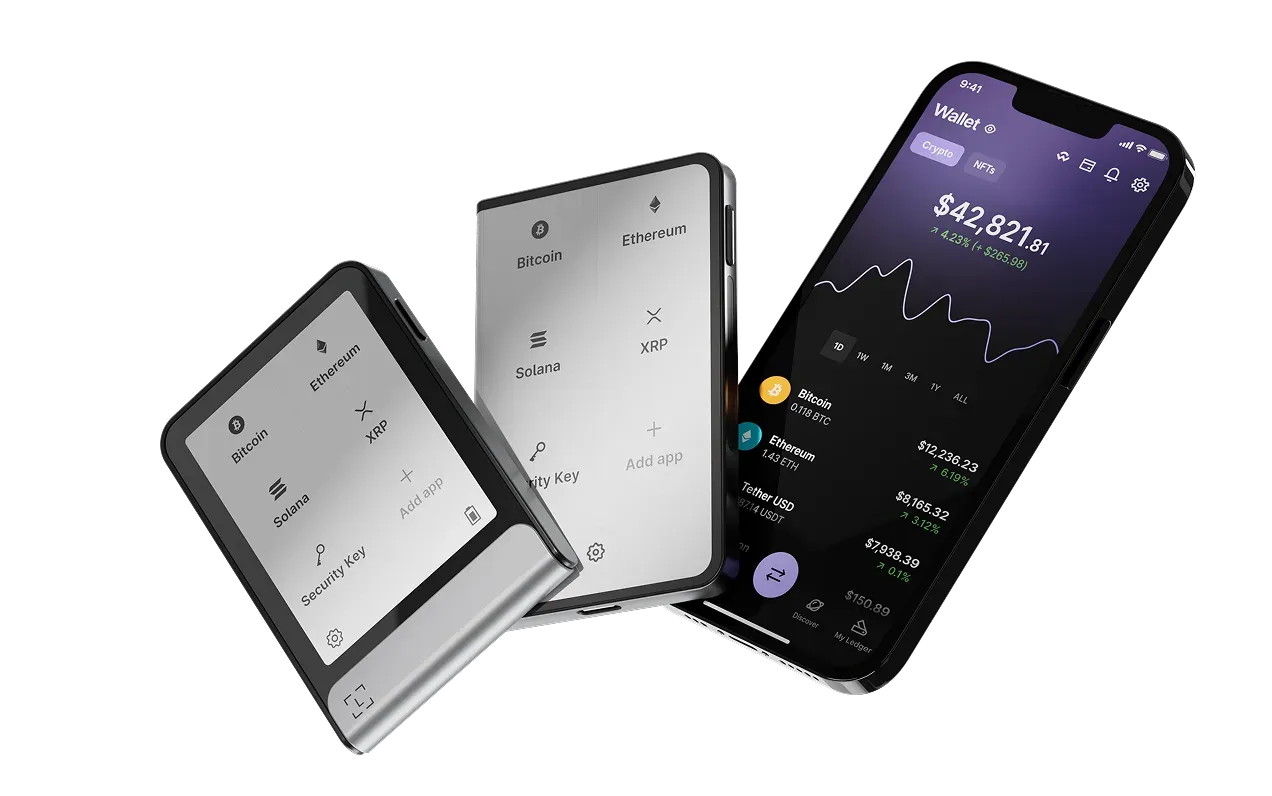
Ledger.com/start – Complete Guide to Setting Up Your Ledger Wallet
Getting started with cryptocurrency security begins with the right wallet setup. Ledger.com/start is the starting point for users who want to configure their Ledger hardware wallet, install the required software, and understand essential security practices. Whether you are a beginner or an experienced crypto user, following the correct setup instructions can make managing digital assets easier and safer.
What Is Ledger.com/start?
Ledger.com/start provides a starting point for setting up a compatible Ledger hardware wallet. It helps users understand device configuration, software installation, PIN creation, and recovery phrase protection. Before proceeding, always check that you are visiting the genuine Ledger website at https://www.ledger.com/start.
Step-by-Step Ledger Wallet Setup
1. Connect Your Ledger Device
Begin by unpacking your Ledger hardware wallet and checking that the device is in good condition. Connect it to a compatible computer or mobile device using the recommended connection method. Follow the instructions displayed directly on your Ledger screen.
2. Install the Official Ledger Software
Download the Ledger Wallet application using the official Ledger website. Install the compatible version for your operating system and open the application. Follow the displayed instructions to recognize and configure your hardware wallet.
3. Create a Secure PIN Code
During the initial configuration, your Ledger device will ask you to create a PIN. Choose a combination that is difficult to guess and avoid predictable numbers such as birthdays or repeated digits. Keep your PIN private and enter it only on your hardware device.
4. Back Up Your Recovery Phrase
Your Ledger device generates a Secret Recovery Phrase that allows you to restore access to your wallet. Carefully write down every word in the correct order on the provided recovery sheet.
Important Security Reminder
Never share your recovery phrase with anyone. Do not photograph it, upload it to cloud storage, or enter it into websites, emails, or online forms. Anyone who obtains this phrase may gain control of your crypto assets.
5. Complete the Device Verification
Follow the verification instructions provided by the official Ledger software. Complete the required checks and confirm that your device is ready. You can then explore supported cryptocurrency applications and account management features.
Benefits of Proper Ledger Wallet Setup
Better Security: Establish good wallet protection habits from the beginning.
Easy Management: Learn how to manage supported cryptocurrency accounts.
Recovery Preparation: Maintain a secure offline backup of your recovery information.
Device Verification: Follow the recommended authenticity and security checks.
Safety Tip
Always verify transaction details on your physical Ledger device before approving them. Never trust unexpected messages requesting your PIN or recovery phrase.
Frequently Asked Questions
Q1. Where should I begin setting up my Ledger wallet?
Start at the genuine Ledger website: Ledger.com/start.
Q2. Why is a PIN important?
A PIN helps prevent unauthorized physical access to your Ledger device.
Q3. What is a Secret Recovery Phrase?
It is the backup information used to restore access to your wallet.
Q4. Can I share my recovery phrase with Ledger Support?
No. Never share your recovery phrase with anyone, including support representatives.
Conclusion
Setting up your hardware wallet correctly is an important step toward responsible cryptocurrency management. By following the instructions at Ledger.com/start, creating a strong PIN, and protecting your recovery phrase, you can establish better security habits and manage your digital assets with greater confidence.