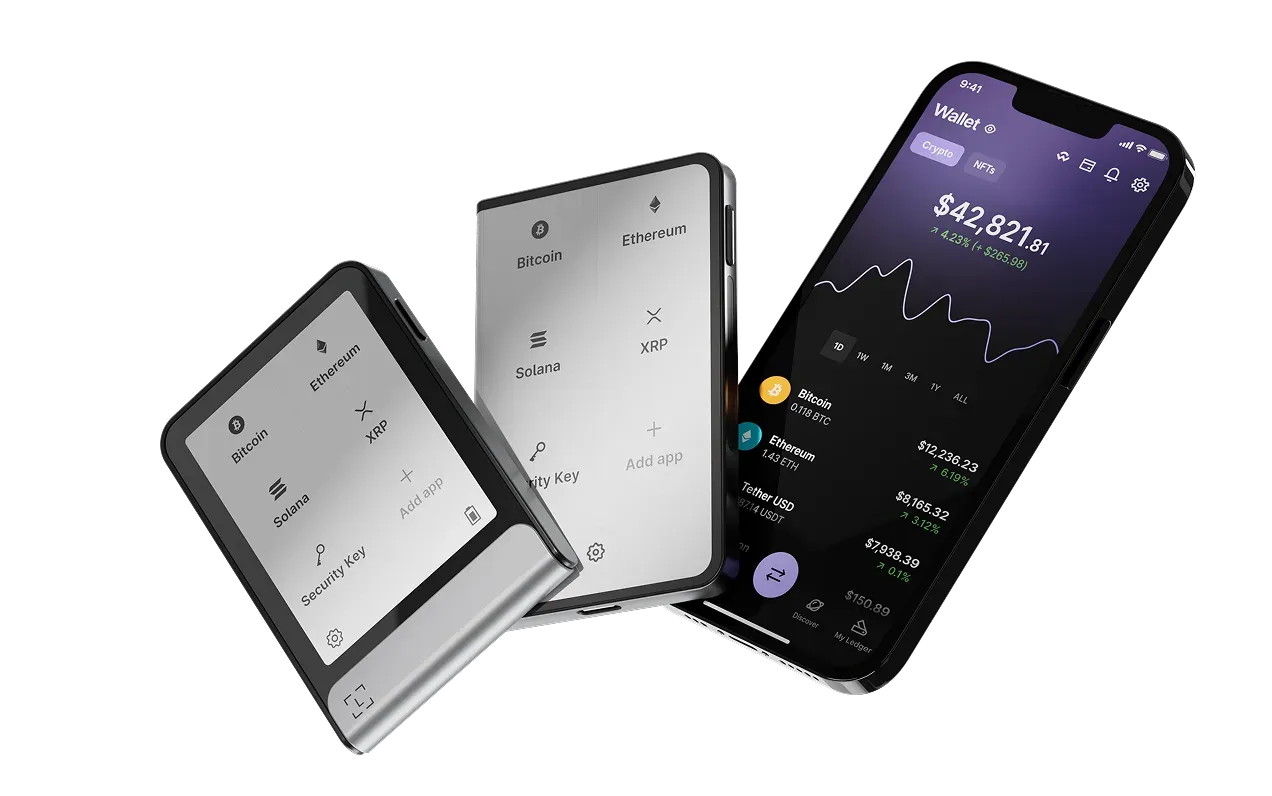
Ledger.com/start – Complete Guide to Setting Up Your Ledger Wallet
Getting started with a Ledger hardware wallet is an important step toward managing your cryptocurrency securely. The Ledger.com/start setup guide helps new users understand how to connect their device, install the Ledger Wallet app (formerly Ledger Live), create a secure PIN, and protect their recovery phrase.
Whether you are using a Ledger Nano or another compatible Ledger device, following the correct setup process can make managing your digital assets easier and more convenient.
What Is Ledger.com/start?
Ledger.com/start is the starting point for users who want to learn about setting up their Ledger hardware wallet. It provides access to device setup instructions and resources that help users understand the initial configuration process.
Before beginning, make sure you have your Ledger device, a compatible computer or smartphone, and the necessary connection cable.
Important Information
Always visit the official Ledger website by entering its address directly into your browser. Download Ledger Wallet only from official Ledger sources or verified app stores.
How to Set Up Your Ledger Wallet
Follow these simple steps to get your device ready.
1. Connect Your Ledger Device
Start by unpacking your Ledger hardware wallet and connecting it to your computer or compatible smartphone. Turn on the device and follow the instructions displayed on its screen. Make sure you are using a trusted connection.
2. Download Ledger Wallet
Visit the official Ledger website and download the Ledger Wallet application for your operating system. Install the application and open it to begin the setup process.
3. Create a Secure PIN
Your PIN protects access to your hardware wallet. Choose a personal PIN that is difficult for others to guess. Avoid predictable combinations such as 1234 or your birth date. Follow the instructions displayed on your Ledger device to confirm your PIN.
4. Back Up Your Recovery Phrase
During initial setup, your Ledger device generates a Secret Recovery Phrase. Carefully write down all 24 words in their correct order on the supplied recovery sheet.
Never share this phrase with anyone or enter it into a website, computer, or mobile application.
Security Reminder
Your Secret Recovery Phrase provides access to your crypto accounts. Keep it private, offline, and stored in a secure location.
Benefits of Using a Ledger Hardware Wallet
Private Key Protection: Keep private keys protected within your hardware wallet.
Personal Control: Manage access to your supported crypto accounts.
Transaction Verification: Review transaction details on your device before approving.
Portfolio Management: Use Ledger Wallet to monitor supported digital assets.
Frequently Asked Questions
1. What is Ledger.com/start?
It is a starting point for finding Ledger device setup instructions and resources.
2. Is a PIN necessary?
Yes. Your device PIN helps prevent unauthorized physical access.
3. How many words are in a Ledger recovery phrase?
A newly initialized Ledger device generates a 24-word Secret Recovery Phrase.
4. Can I share my recovery phrase with Ledger Support?
No. Never share it with anyone, including customer support.
5. Where can I download Ledger Wallet?
Download it through the official Ledger website at https://www.ledger.com/start/device-setup.
Final Thoughts
Setting up your hardware wallet correctly is an essential part of responsible cryptocurrency management. By following the Ledger.com/start instructions, choosing a strong PIN, and securely backing up your recovery phrase, you can take important steps toward protecting access to your digital assets.
Disclaimer: This page is for educational and informational purposes only. It is not an official Ledger website or an endorsement by Ledger. Always consult official Ledger documentation for the latest device instructions.